
felix-canvas
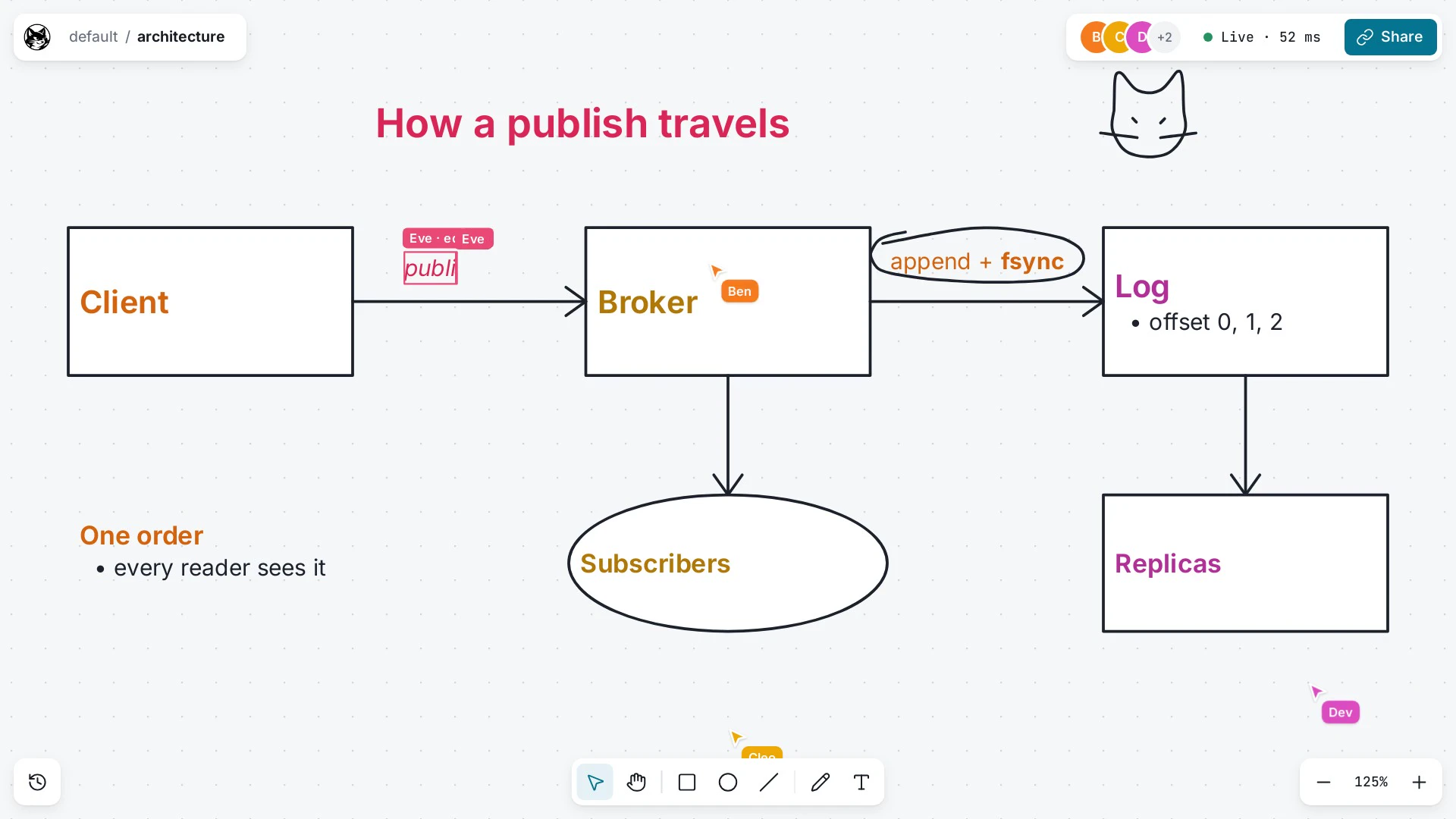
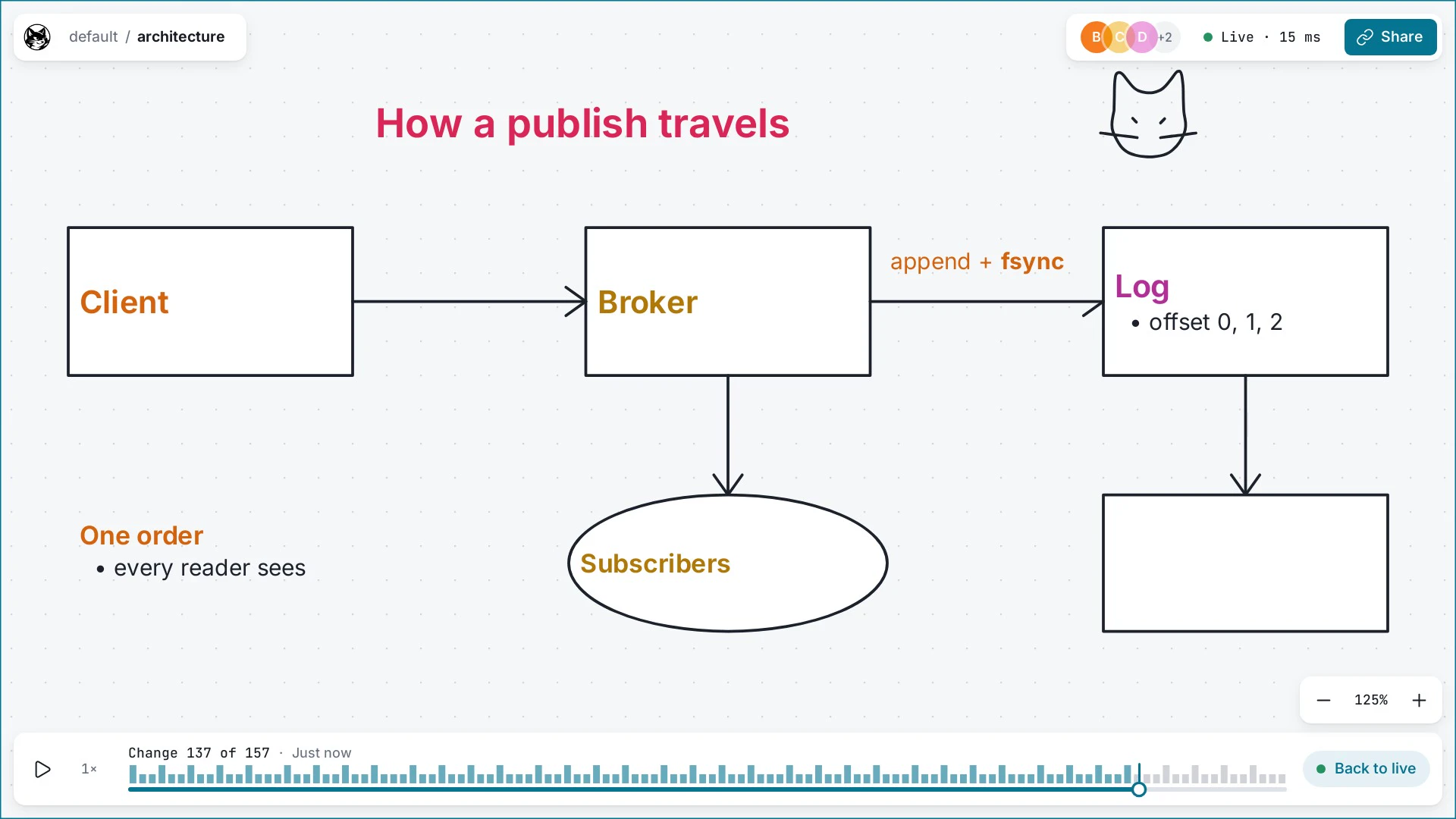
felix-canvas is a self-hosted multiplayer whiteboard. People draw shapes, pen strokes and rich text, see each other’s cursors, and can scrub back through a room’s history. All of a room’s state lives in Felix.
How it uses Felix
Section titled “How it uses Felix”Each room is a felix-gateway scope, so a browser’s token reaches one room’s resources and nothing else. The seed creates these per room:
| Resource | Kind | What it holds |
|---|---|---|
canvas.ops.<room> |
Durable stream, one shard, 30-day retention | Every edit. The canvas is a fold of this log in offset order |
canvas.presence.<room> |
In-memory stream | Cursors and selections, subscribed from live |
canvas.snap.<room> |
Cache, key latest |
A snapshot of the fold and the offset it covers |
canvas.members.<room> |
Cache, one key per session | Who is in the room. Entries expire 30 seconds after their last write |
canvas.seq.<room> |
Counter, one key per session | Blocks of per-session sequence numbers |
The edit stream has one shard because the fold needs one total order, and
Felix orders records within a shard. When the install sets CANVAS_REPLICAS
above 1 it is replicated with Quorum consistency, so an acknowledged edit
survives its leader failing.
Edits and cursors are separate streams because they want opposite things: an edit must never be lost, and a cursor position from 40 ms ago is worthless. Keeping cursors in memory also means a backed-up cursor feed never takes queue space an edit needs.
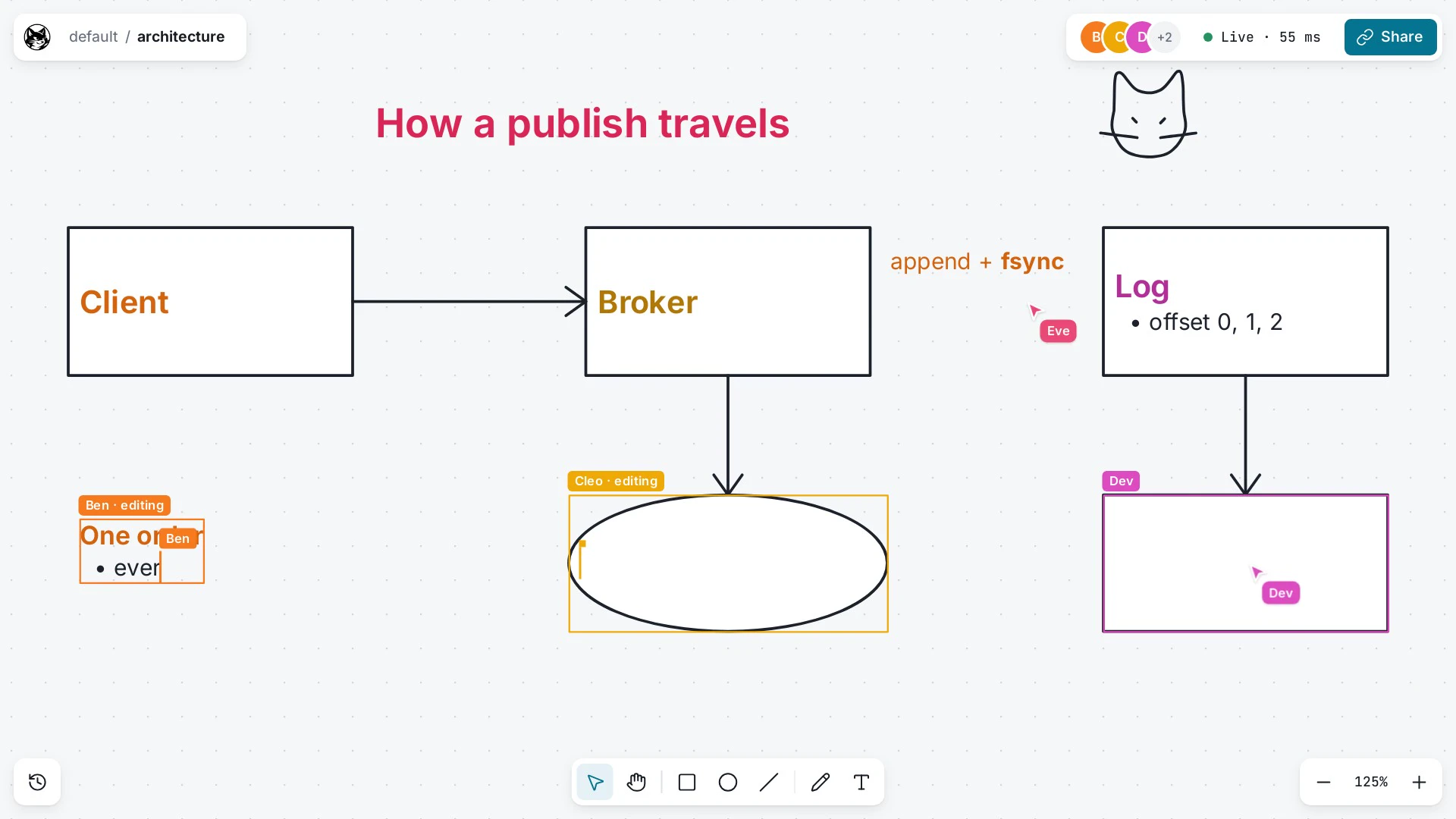
Felix lets a slow subscriber drop records
rather than slow the publisher, so the browser checks every edit’s offset. A
jump past the next expected offset (less any skipped_before) means records
were dropped, and the page subscribes again from the next offset it needs,
which the log still holds. Brokers run with
FELIX_ACK_ON_COMMIT
so a publish’s ack carries its offset.
Joining a room follows the subscribe-before-read rule: subscribe to the edit
stream from live, then read snap/latest, then subscribe again from the
snapshot’s offset plus one to fill the gap. Reading the snapshot first would
lose edits published in between. History is the same stream read on a second
connection from offset 0 or from a snapshot’s offset.
The member list is a cache watch. Each session writes its entry every third of
the TTL from a Web Worker, so a closed tab drops out within 30 seconds, and a
tab that closes cleanly sends POST /members/leave to remove itself at once.
The TTL comes from the gateway’s scope file.
A separate snapshotter process folds the edit stream into the snapshot cache.
It reads through a consumer group named snapshotter
and acks an edit only after a stored snapshot covers it, so a crash replays
the unsnapshotted edits instead of losing them. It uses the Node
felix-client package. The canvas has no server of
its own: the stock gateway image serves the page and relays everything else.
felix-canvas does not use atomic commits.
flowchart LR
  B["Browser"] -- "WebSocket" --> G["felix-gateway<br/>(serves the page)"]
  G -- "QUIC, room-scoped token" --> BR["Felix brokers"]
  G -. "token exchange" .-> CP["Felix control plane"]
  S["snapshotter"] -- "consumer group on ops,<br/>writes snap/latest" --> BR
Quick start
Section titled “Quick start”The compose install runs Felix, the gateway with the page, the snapshotter and a development sign-in. You need Docker or Podman with Compose 2.20 or later:
curl -fsSL https://github.com/GetFelix/felix-canvas/releases/download/v0.3.2/felix-canvas-compose-0.3.2.tar.gz | tar xzcd felix-canvas-compose-0.3.2sed -i.bak \ -e "s|^FELIX_BOOTSTRAP_TOKEN=.*|FELIX_BOOTSTRAP_TOKEN=$(openssl rand -base64 32)|" \ -e "s|^FELIX_RAFT_PEER_TOKEN=.*|FELIX_RAFT_PEER_TOKEN=$(openssl rand -base64 32)|" .envdocker compose up -d # or: podman compose up -dOpen http://localhost:8787 in two windows and sign in as ana or ben. The
images are ghcr.io/getfelix/felix-canvas, ghcr.io/getfelix/felix-canvas-snapshotter,
ghcr.io/getfelix/felix-broker and ghcr.io/getfelix/felix-controlplane.
The default install has one broker, so it has no failover.
- README
- Self-hosting: identity provider, rooms, TLS, backups, Kubernetes and every setting
- Design and protocol
- Development and performance